
1- In OnApp control panel we need to create the network
Settings –> Network
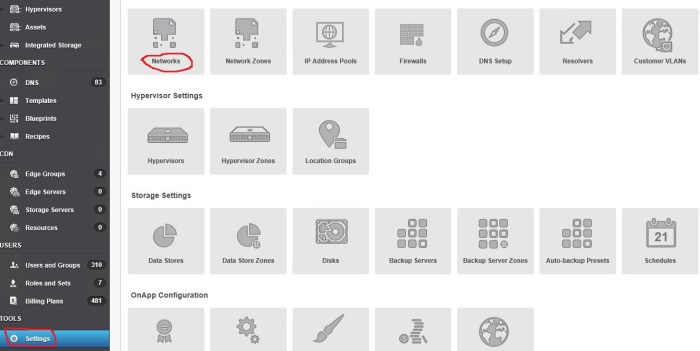
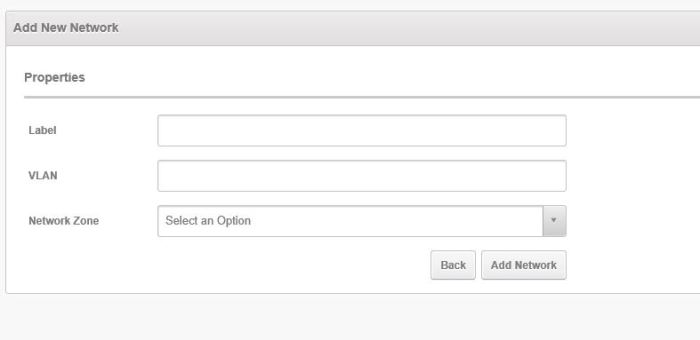
And then “Add New Network”

And select proper VLAN and network zone
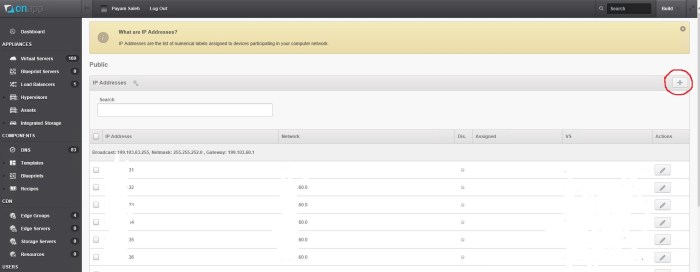
And then assign a proper IP range to the network that was created.
2- This network can be assigned to a hypervisor, hypervisor zone. This example shows how to add it to a hypervisor. Adding to hypervisor zone is very similar.
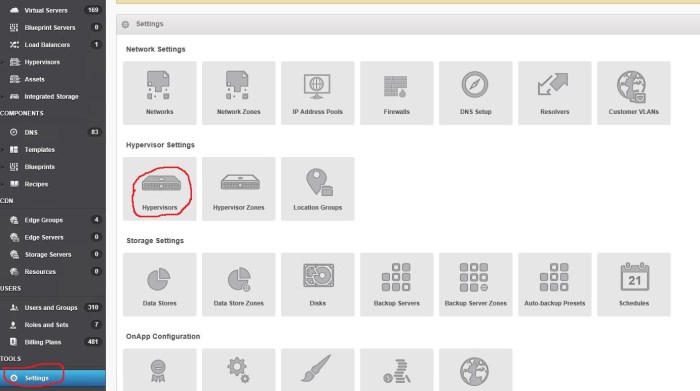
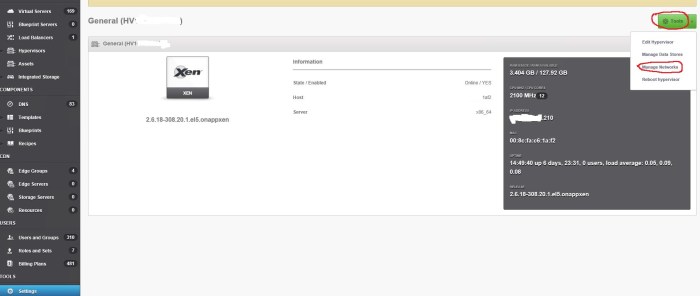
And then select the hypervisor in the list and click on it. Then click on “Tools” and ” Manage Networks”
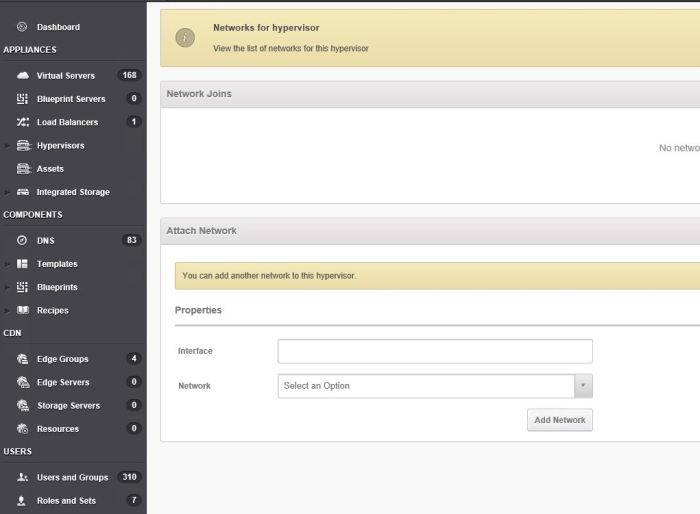
And then select the proper interface name and Network and click on “Add Network”
At the end if successful, the network appears in the list.

 Peter's Tech Blog